Send enquiry ⏎

Adobe Photoshop Online Live Class by Experts

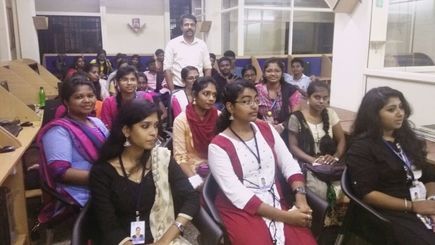
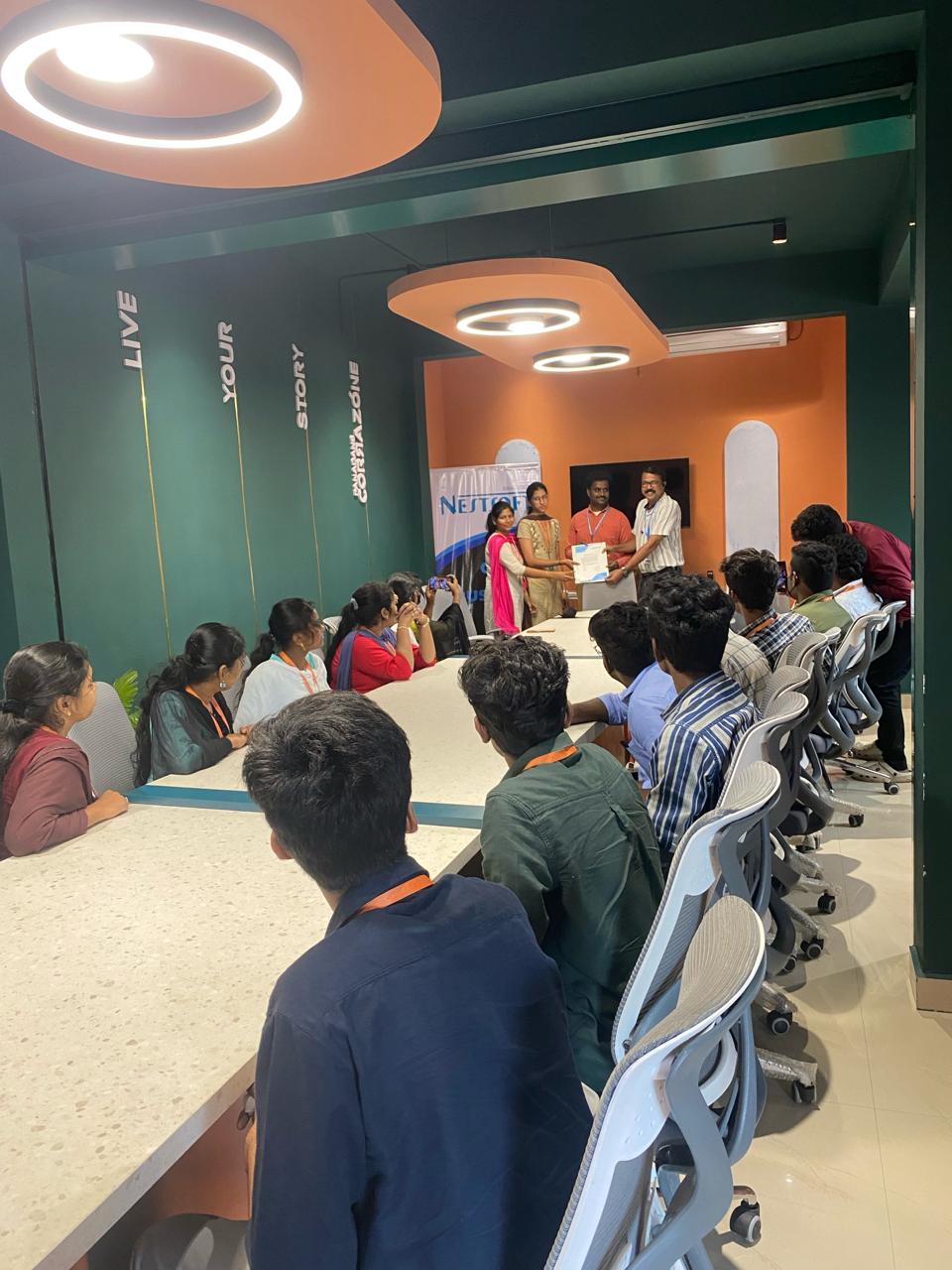
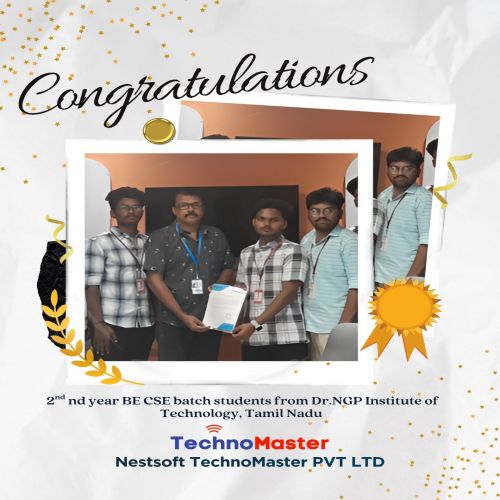
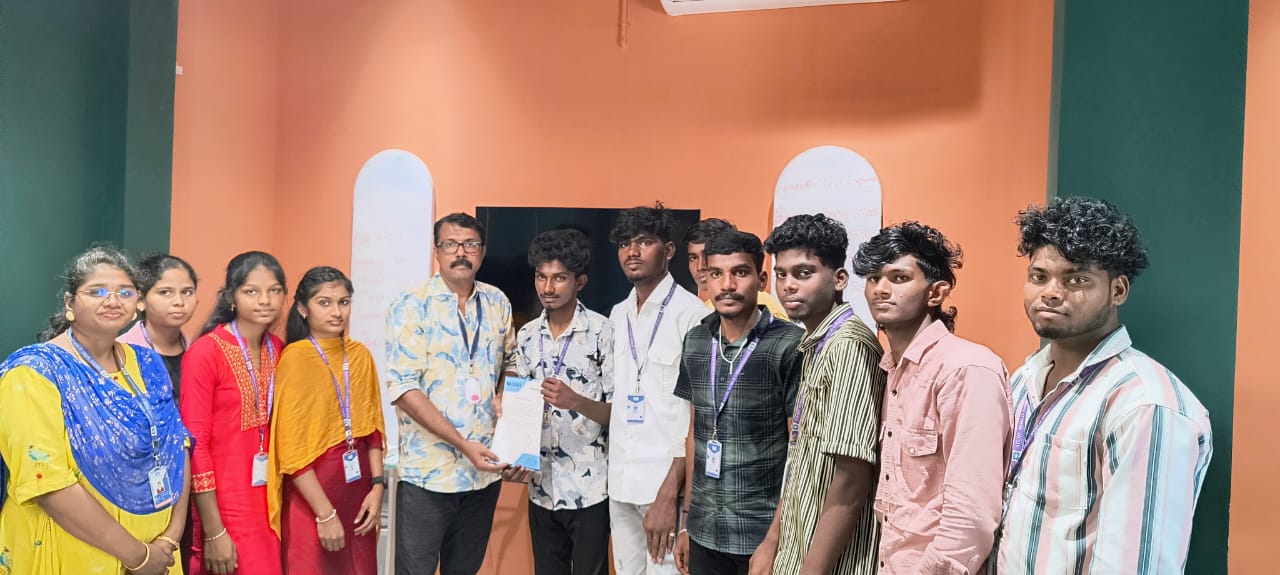
Our Training/Internship Process

Adobe Photoshop Online Live Classes in Saint John | Free Demo Training

Adobe Photoshop - Syllabus, Fees & Duration

      Module 1: Introduction to Photoshop (2 Hours)

      Objective: Understand the basics of Photoshop, its interface, and core tools.

      • Overview of Photoshop and its applications
      • Introduction to the workspace:
        • Toolbar, options bar, panels, and canvas
      • Setting up a new document and file formats
      • Basic navigation: Zoom, pan, and rotate view
      • Saving and exporting projects

      Practical: Create and save a simple document with basic shapes.

      Module 2: Working with Layers and Selections (2 Hours)

      Objective: Master layers, layer properties, and selection tools.

      • Understanding layers and the Layers panel
      • Layer types: Text, adjustment, and shape layers
      • Using selection tools:
        • Marquee, Lasso, and Quick Selection tools
        • Refine Edge and Select Subject
      • Basic masking techniques

      Practical: Create a composition using multiple images and adjust layer opacity.

      Module 3: Image Adjustments and Enhancements (3 Hours)

      Objective: Learn to enhance photos using adjustments and filters.

      • Adjusting brightness, contrast, and levels
      • Color corrections: Hue/Saturation and Color Balance
      • Using Adjustment Layers for non-destructive editing
      • Introduction to filters and smart filters
      • Sharpening and blurring images

      Practical: Enhance a photograph by correcting color and applying filters.

      Module 4: Retouching and Repairing Images (2 Hours)

      Objective: Use retouching tools for professional image editing.

      • Healing Brush, Spot Healing Brush, and Patch tools
      • Clone Stamp tool
      • Content-Aware Fill and Move
      • Removing unwanted objects from images
      • Basic portrait retouching techniques

      Practical: Remove blemishes and unwanted objects from a provided image.

      Module 5: Text and Typography (2 Hours)

      Objective: Add and manipulate text for graphic design purposes.

      • Adding text and using the Type tool
      • Formatting text: Fonts, sizes, and styles
      • Working with paragraph and character panels Applying text effects: Drop shadows, strokes, and gradients
      • Typographic layouts and text on paths

      Practical: Create a poster with creative text effects.

      Module 6: Creative Tools and Special Effects (2 Hours)

      Objective: Explore creative possibilities with Photoshop tools and techniques.

      • Introduction to the Pen Tool for paths and shapes
      • Applying layer styles and blending modes
      • Using gradients and patterns
      • Introduction to brushes and custom brushes
      • Creating basic photo manipulations

      Practical: Design a surreal photo manipulation using multiple tools.

      Module 7: Final Project and Review (2 Hours)

      Objective: Consolidate learning by applying all techniques in a final project.

      • Planning and executing a creative project
      • Reviewing core tools and concepts
      • Tips and best practices for Photoshop workflows
      • Feedback on student projects

      Practical: Complete a final project (e.g., a social media post, flyer, or edited photo).

Download Syllabus - Adobe Photoshop
This syllabus is not final and can be customized as per needs/updates
   
10000+
20+
50+
25+

Adobe Photoshop Jobs in Saint John

Enjoy the demand

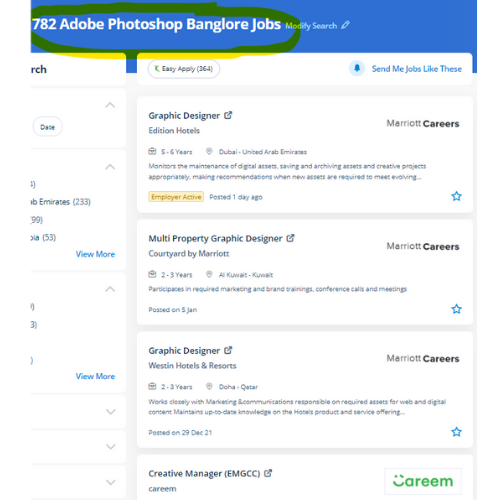
Find jobs related to Adobe Photoshop in search engines (Google, Bing, Yahoo) and recruitment websites (monsterindia, placementindia, naukri, jobshybrid.com, indeed.co.in, shine.com etc.) based in Saint John, chennai and europe countries. You can find many jobs for freshers related to the job positions in Saint John.

  • Photoshop Expert
  • Graphic Designer
  • Visual Designer
  • Motion Graphics Designer
  • Photoshop Editor
  • Adobe Photoshop-Architect
  • Graphics Design Trainer
  • Photographer
  • Design Assistant
  • 2d Motion Designer

Adobe Photoshop Internship/Course Details

Adobe Photoshop internship jobs in Saint John
Adobe Photoshop Photos and videos will be simply and quickly imported into the software using Adobe Photoshop. whether you are new to Photoshop or a seasoned user, the Adobe Photoshop courses at Nestsoft can give you valuable tips and tricks to enhance potency and create your work return to life. If you're employed in the graphics field, getting to understand Adobe Photoshop could be a prerequisite. Through our training session, you'll be able to learn from the terribly basic usage to the most advanced graphic design. you create changes to the files using Photoshop and directly use the outputs from that software. Photoshop includes a selection of quality tools and is well customizable to suit your work style. Adobe Photoshop is specially designed to allow users to edit and create multiple designs. Image editors and website creators widely use it. Files created in Adobe Photoshop will be simply transferred between totally different programs via creative Suite. Literally, you may produce something with Adobe Photoshop software.


Meet a Few of our Industry Experts 🚀 Your Pathway to IT Career

Shanthini

Mobile: +91 94975 90866
Location: Online (Saint John, Canada)
Qualification: 12th pass

Experience: canva web developer web designing full stack communication html css javascript advanced computer skills writing creative leadership Projects: Online Second  more..

ravi

Mobile: +91 91884 77559
Location: Online (Saint John, Canada)
Qualification: B.Tech

Experience: web development Intern at phn Techlologies pune started coding in java before 6 years have done project in Python and  more..

Varshini

Mobile: +91 8301010866
Location: Online (Saint John, Canada)
Qualification: B.E Computer Science And Engineering

Experience: I have experience as dot net developer Where My role is developing website and database And maintened existing ones I  more..

suhasini

Mobile: +91 9895490866
Location: Online (Saint John, Canada)
Qualification: M.Sc., M.Ed.

Experience: With over 13 years of teaching experience in schools and colleges I bring a diverse expertise in subjects ranging from  more..

Sudarvizhi

Mobile: +91 9895490866
Location: Online (Saint John, Canada)
Qualification: B.Tech IT

Experience: Dear team I am Sudarvizhi V and I completed my graduate degree in 2022 As of now I completed the  more..

Abhishek

Mobile: +91 89210 61945
Location: Online (Saint John, Canada)
Qualification: Bachelor of Computer Application(BCA)

Experience: I have a strong foundation in UI UX design specializing in Figma for creating prototypes and mockups during various college  more..

Sivasubramanian.

Mobile: +91 98474 90866
Location: Online (Saint John, Canada)
Qualification: Diploma

Experience: UI UX Designer cum Graphic Designer with 12+ years of experience in the management of the complete design process from  more..

Aaryan

Mobile: +91 9895490866
Location: Online (Saint John, Canada)
Qualification: Graduate

Experience: I specialise in Java python and DSA and on the development side I'm proficient in android development in Java flutter  more..

Sudhakar

Mobile: +91 91884 77559
Location: Online (Saint John, Canada)
Qualification: Bachelor of Engineering

Experience: Hi Sir Madam I'm Sudhakar having 2 6 years of experience in web development as a full stack developer My  more..

Shalvi

Mobile: +91 98474 90866
Location: Online (Saint John, Canada)
Qualification: Btech graduate

Experience: Fullstack developer Software engineer   more..

RITIK

Mobile: +91 8301010866
Location: Online (Saint John, Canada)
Qualification: B. Tech

Experience: I am a computer science graduate with a strong passion for software engineering My goal is to secure a challenging  more..

Sijisha

Mobile: +91 98474 90866
Location: Online (Saint John, Canada)
Qualification: Mca

Experience: I have a 6 months experience in php codeigniter  more..

Akshat

Mobile: +91 91884 77559
Location: Online (Saint John, Canada)
Qualification: BTECH CSE

Experience: EXPERIENCE Software Developer Intern AD Infocom Systems Gurugram(hybrid) — May 2023 - July 2023 (ReactJS JavaScript NodeJS NPM MongoDB) •  more..

DUSHYANT

Mobile: +91 91884 77559
Location: Online (Saint John, Canada)
Qualification: B.Tech

Experience: i have 3 year web developement skill In wix specially i am doing coding part till now i handled to  more..

Manoj

Mobile: +91 9895490866
Location: Online (Saint John, Canada)
Qualification: B-tech

Experience: Odoo python xml html css Postgres and Git 1 2 years of experience in odoo  more..

Abhay

Mobile: +91 91884 77559
Location: Online (Saint John, Canada)
Qualification: MCA

Experience: I have 2+ years of experience as Frontend developer with these skills HTML CSS Javascript jQuery bootstrap tailwindcss WordPress and  more..

SUMI

Mobile: +91 89210 61945
Location: Online (Saint John, Canada)
Qualification: Mtech

Experience: Fresher in testing field Completed software testing course(manual automation) and looking for testing related job  more..

Bhavesha

Mobile: +91 8301010866
Location: Online (Saint John, Canada)
Qualification: B.sc (Computer Science)

Experience: I have also worked as a software developer for 1 year After that I continued technical content writing so I  more..

Rahul

Mobile: +91 98474 90866
Location: Online (Saint John, Canada)
Qualification: Bsc.IT

Experience: Automation testing as well As Manual Testing POM Design Patterns TestNG SQL Stored procedure API Testing Using Postman   more..

Rohit

Mobile: +91 98474 90866
Location: Online (Saint John, Canada)
Qualification: BTech

Experience: Fresher (2021 passout) Language-C C++ Python Have knowledge in HTML CSS JS Bootstrap Now im studying a web development course  more..

Nidarsh

Mobile: +91 94975 90866
Location: Online (Saint John, Canada)
Qualification: M.Tech

Experience: Automation frame work and manual testing of 2 5 years experience  more..

Aamir

Mobile: +91 9895490866
Location: Online (Saint John, Canada)
Qualification: MCA

Experience: Front End web developer who wants to join an emerging brand and help them develop web applications Even though I  more..

Natasha

Mobile: +91 89210 61945
Location: Online (Saint John, Canada)
Qualification: BE IT

Experience: I have 3+ years of experience with digital marketing all modules that includes on-page seo off page seo social media  more..

Khelan

Mobile: +91 98474 90866
Location: Online (Saint John, Canada)
Qualification: B.E

Experience: Communication(English Hindi Gujarati) team work html css javascript react php sql  more..

Success Stories

The enviable salary packages and track record of our previous students are the proof of our excellence. Please go through our students' reviews about our training methods and faculty and compare it to the recorded video classes that most of the other institutes offer. See for yourself how TechnoMaster is truly unique.


Photos of Training / Internships

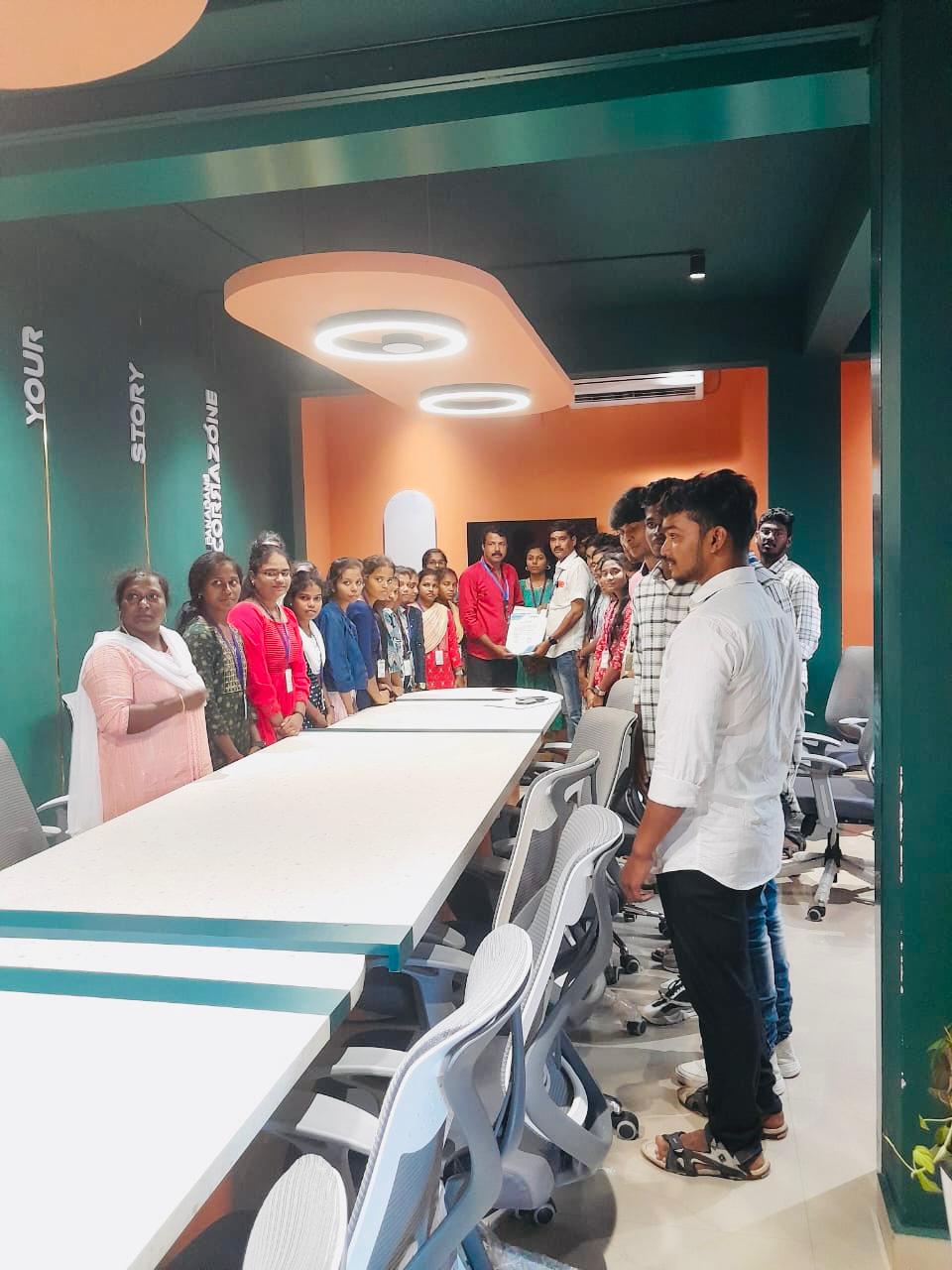
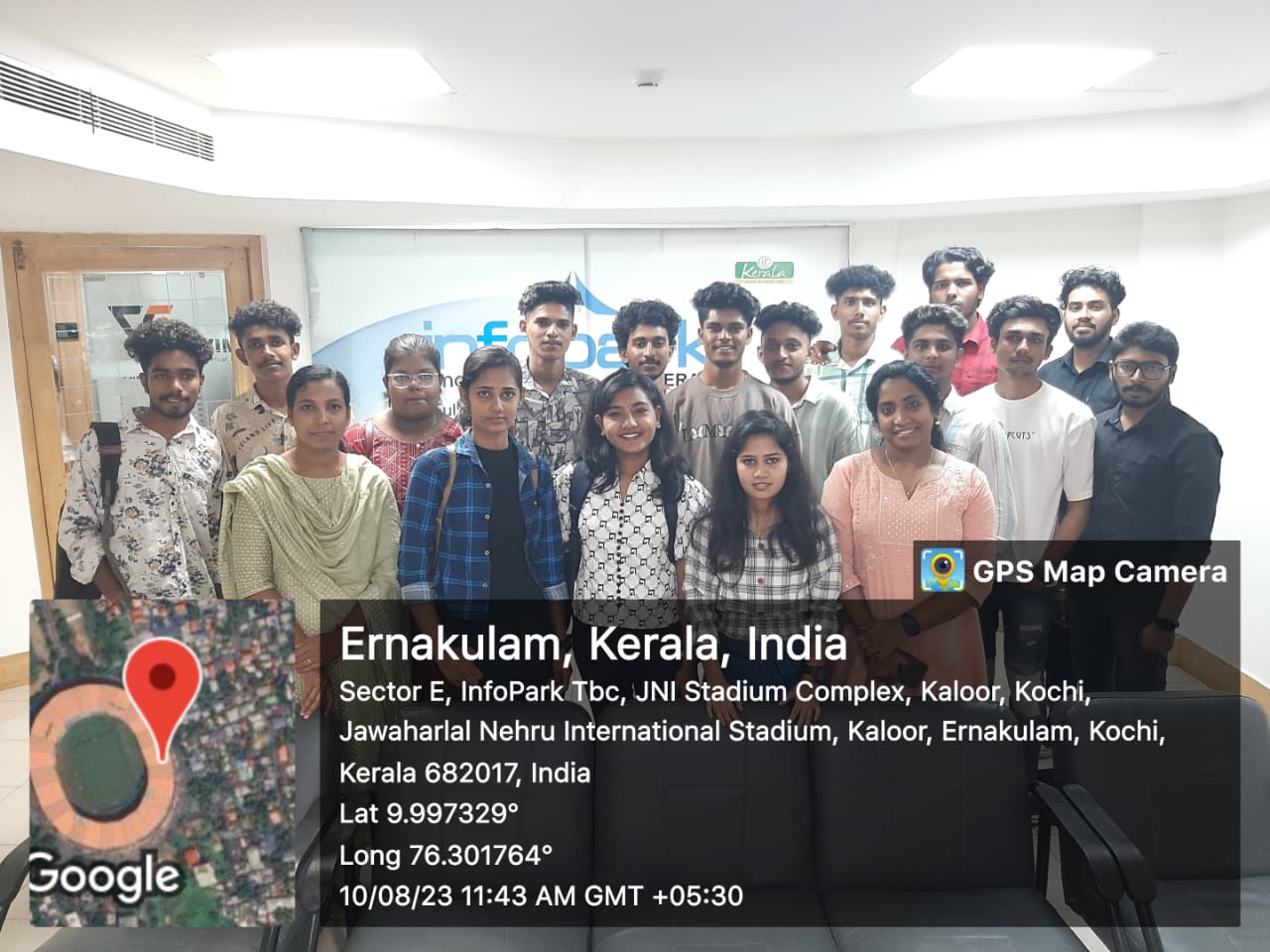
Internship/projects in saint-john

Trained more than 10000+ students who trust Nestsoft TechnoMaster

Get Your Personal Trainer