Send enquiry ⏎

Adobe InDesign Online Live Class by Experts

Our Training/Internship Process

Adobe InDesign Online Live Classes in Winnipeg | Free Demo Training

Adobe InDesign - Syllabus, Fees & Duration

Section 1

    Straight Lines
  • Using the Pen Tool
  • Adjusting the Workspace
  • Arranging Objects
  • Color Fills
    Curves
  • Drawing Curves (Pen Tool)
  • Anchor Points and Direction Points
  • Default Fill and Stroke
    Corners and Curves
  • Drawing Corners and Curves (Pen Tool)
  • Adjusting Anchor Points

Section 2

    No Smoking Sign
  • Fill and Stroke
  • Basic Shape Tools
  • Grouping Objects
  • Layers Panel
  • Working with Templates
    Super Hero
  • Live Trace and Live Paint
  • Tracing Hand-Drawn Images
  • Coloring Live Paint Objects
  • Brushes
  • Flare Tool

Section 3

    What’s Behind the Green Door?
  • Compound Paths
  • Group Selection Tool
    Mask Till You Drop
  • Clipping Masks (Shapes)
  • Blob Brush Tool
  • Eraser Tool
  • Reflect Tool
    Masking with Type
  • Type Tool
  • Clipping Masks (Editable Type)
  • Filling Text with a Photo
  • Placing Linked Images
    3D Shape: Milk Duds Box
  • 3D Extrude & Bevel
  • Creating Symbols from Artwork
  • Mapping Symbols onto 3D Objects
  • Lighting and Shadows for 3D Objects

Section 3

    Will It Blend?
  • Blend Tool
  • Blending Options
    Wavy Line Blend
  • Blending Lines
  • Reflect Tool
  • Rotate Tool
    Juggling Colors and Gradients
  • Dashed Lines and Stroke Options
  • Saving Colors as Swatches
  • Blending Modes
  • Gradient Tool
  • Saving Gradient Swatches
    Combining Shapes with the Pathfinder
  • Merging Paths (Pathfinder)
  • Transparency Options
  • Grouping Objects

Section 5

    Patterns
  • Creating and Applying Pattern Swatches
  • Scaling and Rotating Patterns
  • Working with Layers
  • Align Panel
    One-Page Advertisement
  • Working with Type
  • Text and Character Options
  • Adding a Drop Cap
  • Type on a Path
  • Text Wrap
  • Fill Text with a Pattern
    Stylin’ Effects
  • Using the Appearance Panel
  • Transparency
  • Blending Modes
  • Drop Shadows
  • Arrowheads
    Appearance and Graphic Styles
  • Graphic Styles
  • Appearance Panel
  • Multiple Fills
  • Auto-sizing Text Boxes

Section 6

    Layers, Artboards & Recoloring Artwork
  • Adding and Removing Layers
  • Creating and Using Multiple Artboards
  • Recoloring Artwork

Download Syllabus - Adobe InDesign
This syllabus is not final and can be customized as per needs/updates
   
10000+
20+
50+
25+

Adobe InDesign Jobs in Winnipeg

Enjoy the demand

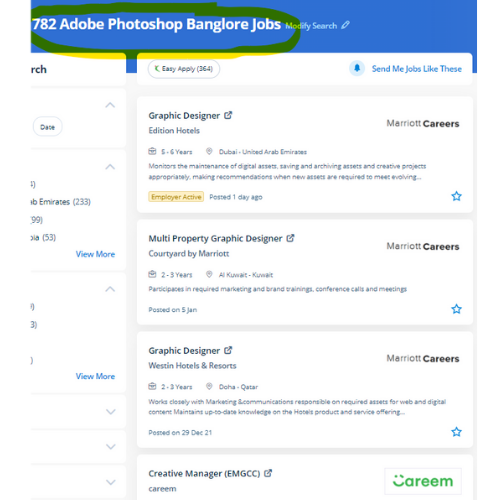
Find jobs related to Adobe InDesign in search engines (Google, Bing, Yahoo) and recruitment websites (monsterindia, placementindia, naukri, jobshybrid.com, indeed.co.in, shine.com etc.) based in Winnipeg, chennai and europe countries. You can find many jobs for freshers related to the job positions in Winnipeg.

  • Graphic Designer
  • Creative Graphic Designer
  • Flexible Graphic Designer
  • Web Graphics Designer
  • Content Creator
  • Desktop Support
  • Digital Designer
  • Design Assistant
  • Ui/Ux Designer
  • Designing Trainer

Adobe InDesign Internship/Course Details

Adobe InDesign internship jobs in Winnipeg
Adobe InDesign However, whereas it’s aimed toward graphic style professionals, it’s not too powerful to find out. The software's interface creates it easy for users of all talent levels to jump right in and make their projects with ease, because of its selection of pre-installed templates, fonts, and other resources. This course is for intermediate users that require to find out a lot of advanced tools in InDesign. during this course we cover the topics like managing transparency, controlling texts, managing texts, designing documents. Live classes are supported by an energetic class forum where your tutor provides additional data and feedback outside of class times. several IT companies use Adobe InDesign to form online promoting campaigns for their customers, while graphic art designers produce CD covers, menus, and digital image albums. the main advantages of Adobe InDesign CC are streamlining your designs for print, optimizing how you produce digital publications, and rising collaboration with various users. using In-Design, applicable contents for the tablet devices may also be revealed injunction with the software system that is named the Adobe Digital publication Suite. Live classes are recorded, therefore you will be ready to review them in your own time or log in to find out at a time that works best for you. one of the advantages of the tools contained in Adobe InDesign is that it's some image editing which will provide identical results as that of Adobe Photoshop just like a shadow, bevel, glow, and so forth.


Meet a Few of our Industry Experts 🚀 Your Pathway to IT Career

Sharique

Mobile: +91 9895490866
Location: Online (Winnipeg, Canada)
Qualification: MBA - Public Health Informatics

Experience: I am an MBA graduate in PUBLIC HEALTH INFORMATICS with FELLOWSHIP in HMIS having certification in DATA ANALYTICS from IIM-R  more..

Sphelele

Mobile: +91 9895490866
Location: Online (Winnipeg, Canada)
Qualification: Matric

Experience: Reactjs Nodejs Frontend dev technologies Mobile development Mern stack dev   more..

VAIBHAV

Mobile: +91 8301010866
Location: Online (Winnipeg, Canada)
Qualification: B Tech

Experience: I have experience of working in php mysql for 10 years ang would like to share my knowledge  more..

Abhishekh

Mobile: +91 9895490866
Location: Online (Winnipeg, Canada)
Qualification: Post Graduate

Experience: With a passion for Hindi language and culture I bring extensive experience and expertise as a Hindi teacher Over the  more..

RAMACHANDRAN

Mobile: +91 94975 90866
Location: Online (Winnipeg, Canada)
Qualification: B.E

Experience: • Experience in AWS Services like EC2(AMAZON LINUX RHEL) VPC IAM S3 ELB RDS Cloud Watch Cloud Trail Cloud front  more..

DRISHYA

Mobile: +91 94975 90866
Location: Online (Winnipeg, Canada)
Qualification: MCA

Experience: Having experience in doing programming skills as well as teaching experience The teaching method of triggering the basic will in  more..

Aswathy

Mobile: +91 98474 90866
Location: Online (Winnipeg, Canada)
Qualification: Bsc computer science

Experience: 6 month experience in web developer at Amrita Vishwavidyapeeth   more..

Niholsinh

Mobile: +91 98474 90866
Location: Online (Winnipeg, Canada)
Qualification: B.E (IT)

Experience: Dear TechnoMaster Team I'm the Network Security Engineer dedicated for firewall security and endpoint security I have hands on experiense  more..

ANKUSH

Mobile: +91 89210 61945
Location: Online (Winnipeg, Canada)
Qualification: 10+2(Science)

Experience: Abode Photoshop Html Css Bootstrap Wordpress Abode In-design Graphics Design  more..

Krishna

Mobile: +91 8301010866
Location: Online (Winnipeg, Canada)
Qualification: MCA

Experience: Manual testing -1+ years of experience in Testing Mobile testing JIRA Automation selenium-c#   more..

Adarsh

Mobile: +91 9895490866
Location: Online (Winnipeg, Canada)
Qualification: Graduate

Experience: Proficient in German writing and speaking German Teaching Analytical thinking and market research MS Office proficiency Excellent communication skills Multi-tasking  more..

priyanshu

Mobile: +91 91884 77559
Location: Online (Winnipeg, Canada)
Qualification: BCA

Experience: Experienced full stack android application developer with expertise in front-end and back-end development experienced in leading cross-functional teams   more..

Saniya

Mobile: +91 91884 77559
Location: Online (Winnipeg, Canada)
Qualification: Graduated

Experience: I have knowledge in Html css js tailwind css bootstrap angular and designing Softwares like figma and photoshop and core  more..

Dabhi

Mobile: +91 8301010866
Location: Online (Winnipeg, Canada)
Qualification: BCA

Experience: responsible for creating and maintaining a website using the WordPress content management systems supporting current websites managing client website projects  more..

Sukhmanpreet

Mobile: +91 94975 90866
Location: Online (Winnipeg, Canada)
Qualification: B.Tech

Experience: Detail-oriented recent Computer Science graduate with a solid foundation in JavaScript React MongoDB Node js and Express js Completed hands-on  more..

Sunil

Mobile: +91 91884 77559
Location: Online (Winnipeg, Canada)
Qualification: MCA

Experience: Android kotlin Java firebase glide rest API MVVM material design Jetpack Components play Store handling  more..

Mahima

Mobile: +91 8301010866
Location: Online (Winnipeg, Canada)
Qualification: B.sc it

Experience: My name is mahima kumari I am pursuing b sc it from cimage college patna During this courses I have  more..

Parvathy

Mobile: +91 89210 61945
Location: Online (Winnipeg, Canada)
Qualification: Btech in electrical and electronics engineering

Experience: Manual testing Automation testing selenium JMeter Jira postman SQL Java testcase preperation bug report   more..

Sneha

Mobile: +91 8301010866
Location: Online (Winnipeg, Canada)
Qualification: Bachelor of technology

Experience: C c# net asp net and angular and html CSS and JavaScript  more..

Ranjima

Mobile: +91 94975 90866
Location: Online (Winnipeg, Canada)
Qualification: BTech

Experience: Manual testing Automation testing Regression testing   more..

sunil

Mobile: +91 89210 61945
Location: Online (Winnipeg, Canada)
Qualification: Bachelor's degree

Experience: Hi I am sunil completed my front end developer trainee in AAVI LABS   more..

Vijayalaxmi

Mobile: +91 91884 77559
Location: Online (Winnipeg, Canada)
Qualification: B.com

Experience: Seo Sem SMM Google ads email marketing and SMS marketing Totally i have 3yrs of experience as a seo analyst  more..

Deepak

Mobile: +91 91884 77559
Location: Online (Winnipeg, Canada)
Qualification: B.tech

Experience: I have total 1 4 years experience of on page off page activities technical seo content management project management and  more..

Vishnu

Mobile: +91 98474 90866
Location: Online (Winnipeg, Canada)
Qualification: B.com and HDCA programming

Experience: I have technical skills c c++ python HTML & CSS sql developer excel I am a fresher I don't have  more..

Success Stories

The enviable salary packages and track record of our previous students are the proof of our excellence. Please go through our students' reviews about our training methods and faculty and compare it to the recorded video classes that most of the other institutes offer. See for yourself how TechnoMaster is truly unique.

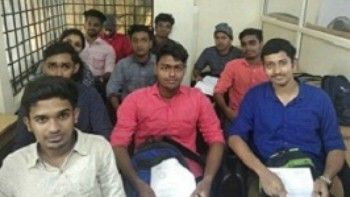
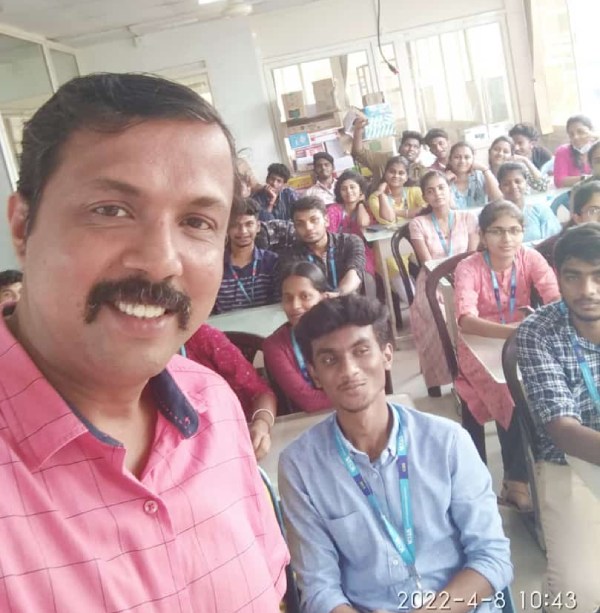
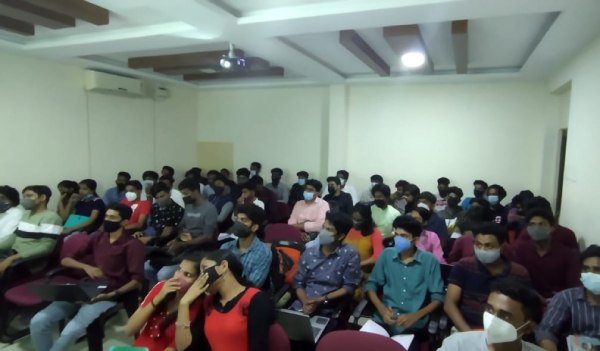
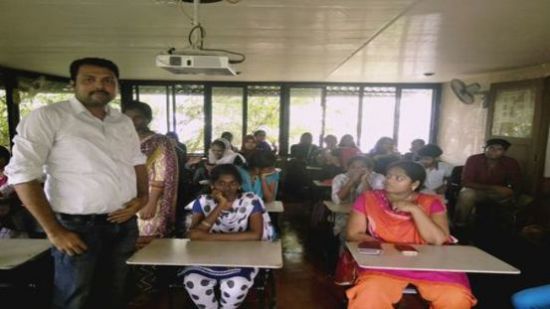
Photos of Training / Internships

Internship/projects in winnipeg

Trained more than 10000+ students who trust Nestsoft TechnoMaster

Get Your Personal Trainer